Crypto deposits
Dedicated Addresses for Your Deposits
Create a separate deposit address for each client, platform or purpose, and always know where your crypto came from.


- Label every address
- One wallet balance
- Free deposits
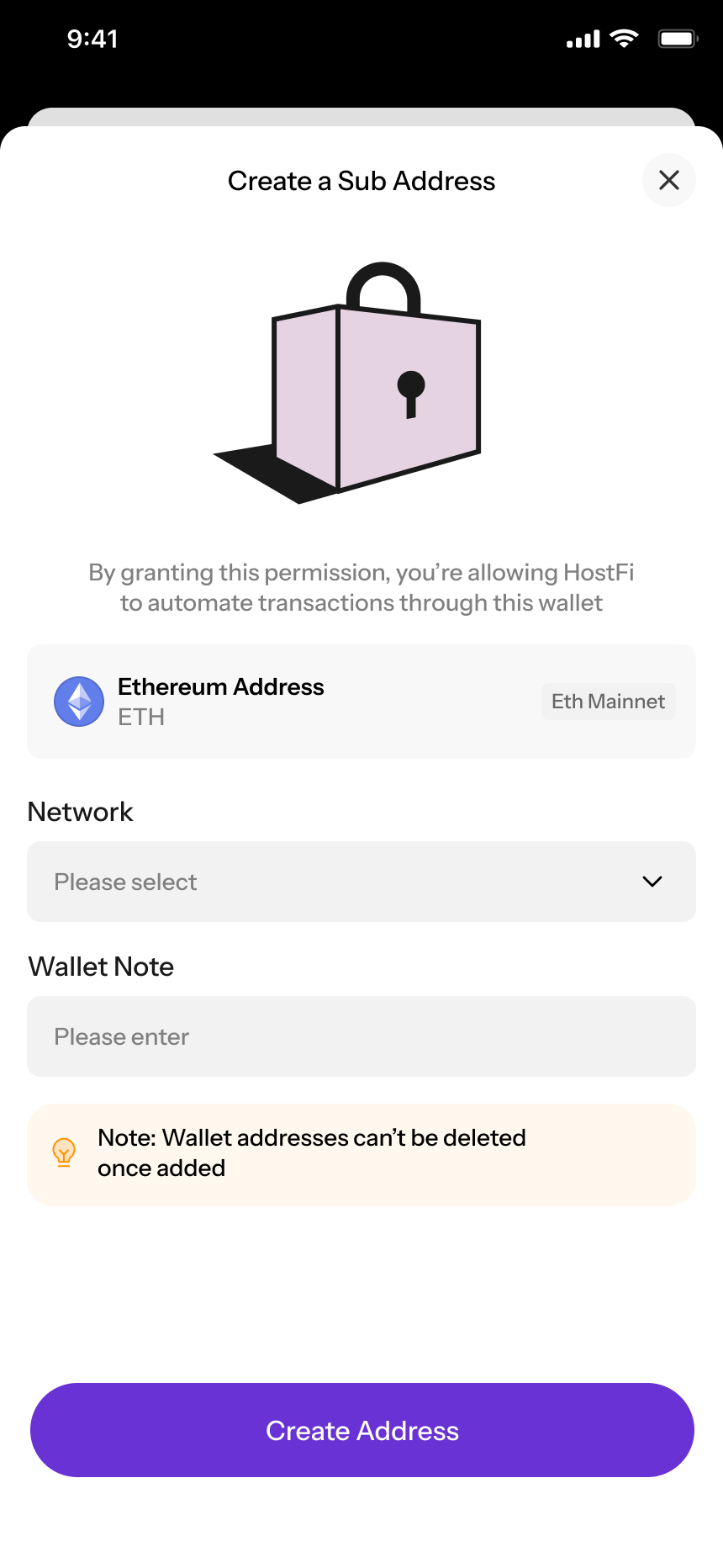
What is a subaddress?
Many addresses. One wallet.
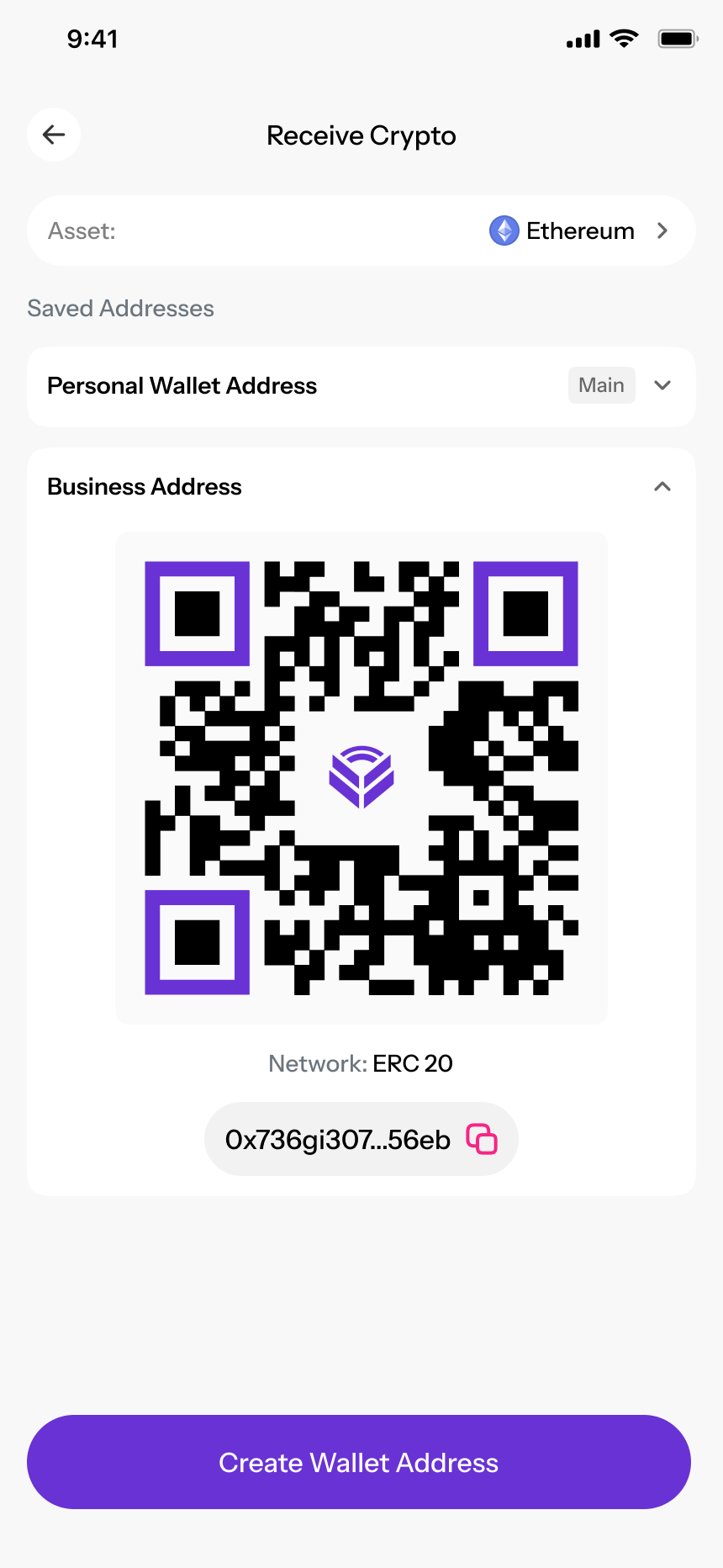
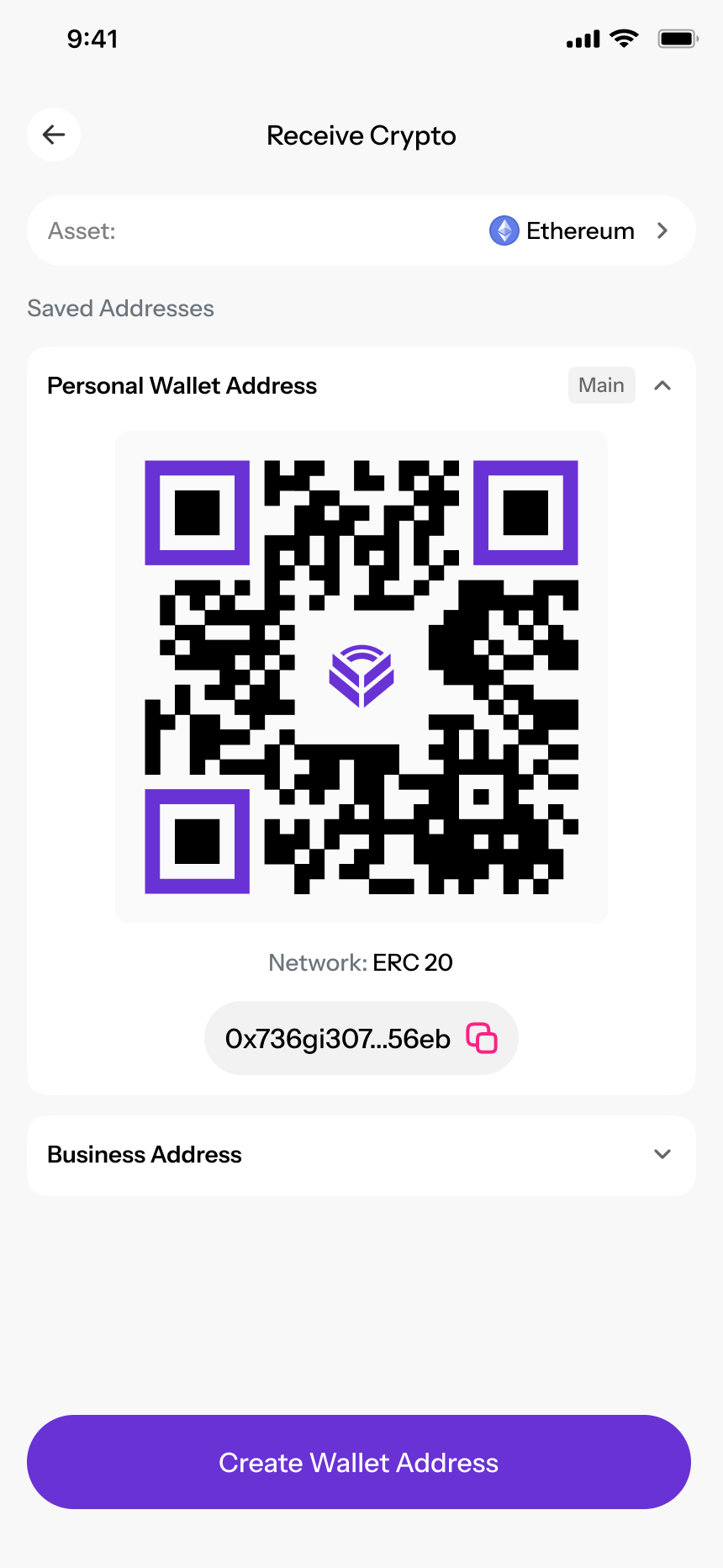
A subaddress is an extra deposit address linked to your HostFi wallet. Every deposit lands in the same balance, but stays tagged to the address it was sent to.

Why it helps
Know exactly who paid you
Subaddresses turn a single wallet into an organised inbox for your crypto.
One address per client
Give each client their own address and instantly see which deposit came from whom.
Label by purpose
Separate savings, exchange payouts and business income with clear labels.
Simpler bookkeeping
Match payments to invoices without chasing references or digging through transaction hashes.
Share less
Hand out a dedicated address instead of reusing the same one everywhere.
How it works
Generate and use a subaddress
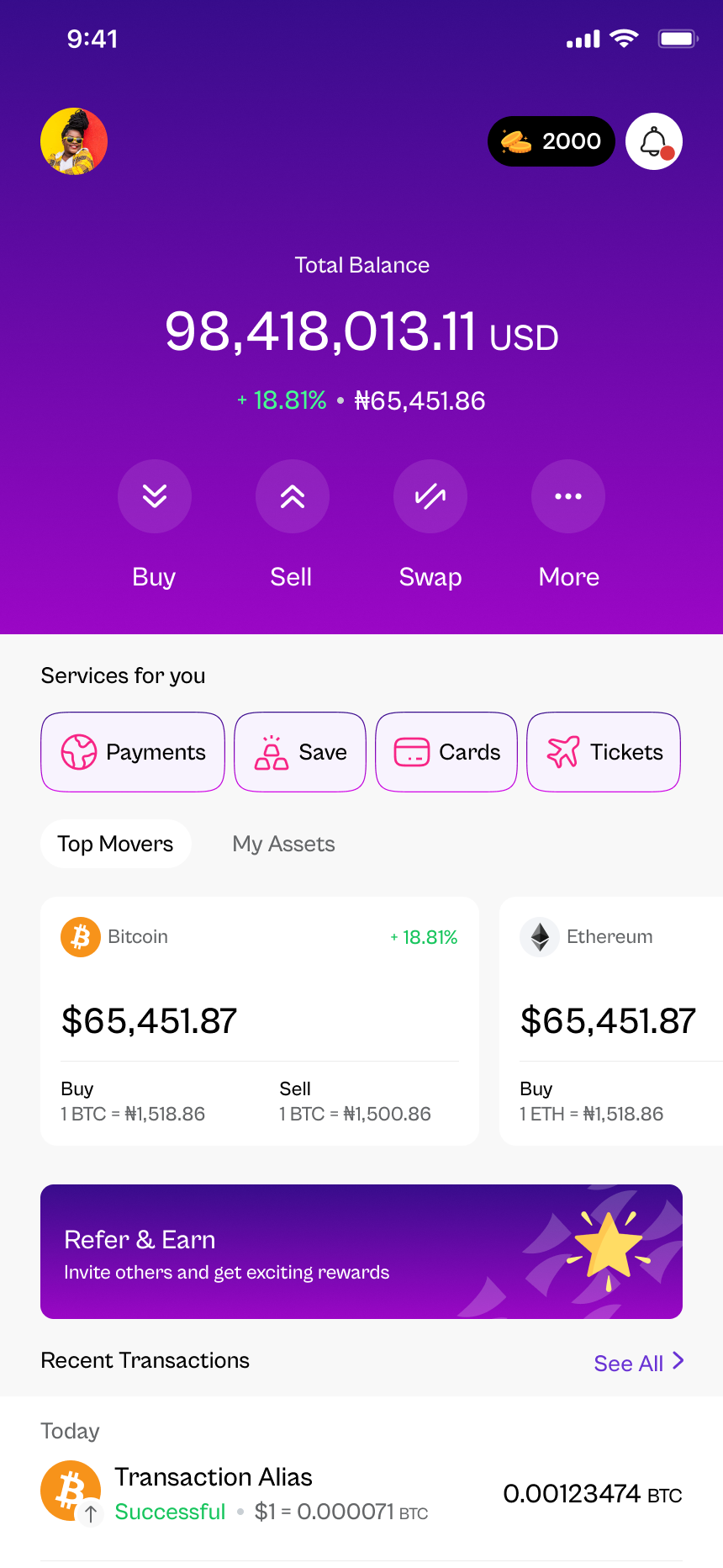
Here's where to find subaddresses in the HostFi app and how to use them.
- 1
Open Receive and pick an asset
In the HostFi app, tap Receive, choose the asset you want to be paid in, and select the network.
- 2
Generate a subaddress and label it
Tap Generate subaddress and give it a label, like the client's name or what the money is for.
- 3
Share the address
Copy the address or share the QR code. Tell the sender the exact asset and network to use.
- 4
Track deposits by label
Incoming deposits show the subaddress label, so you can filter and identify them at a glance.
Supported assets & networks
Where you can use subaddresses
The app always shows the exact networks available when you generate an address.
Tether
USDTStablecoin
- TRON (TRC20)
- Ethereum (ERC20)
- BNB Smart Chain (BEP20)
USD Coin
USDCStablecoin
- Ethereum (ERC20)
- Base
- Solana
Bitcoin
BTC
- Bitcoin
Ethereum
ETH
- Ethereum (ERC20)
- Base
Solana
SOL
- Solana
BNB
BNB
- BNB Smart Chain (BEP20)



Make every deposit count
Crypto transfers can't be reversed. Follow these steps every time you share an address.
- 1
Send only the right asset
Each address is for one asset. Sending a different asset to it may result in lost funds.
- 2
Match the network
Make sure the sender uses the same network you selected, for example TRON (TRC20) for a TRC20 address.
- 3
Copy, don't type
Always copy and paste or scan the QR code. Check the first and last few characters before sending.
- 4
Check minimums and confirmations
Deposits below the minimum shown in the app may not be credited, and some networks need confirmations first.
Subaddress questions,
answered
What is a subaddress?


A subaddress is an extra deposit address linked to your HostFi wallet. Funds sent to any of your subaddresses arrive in the same wallet balance, but each deposit stays tagged to the address it was sent to.
Why would I use more than one address?
Giving each client, platform or purpose its own address makes it easy to see who paid you and what each deposit was for, without asking for references or checking transaction hashes.
Do subaddresses have separate balances?
No. Deposits to every subaddress for an asset land in your single HostFi balance for that asset. The subaddress label simply tells you where each deposit came from.
Which assets and networks support subaddresses?
The assets and networks you can generate subaddresses for are listed in the app when you open Receive. Always send only the selected asset on the selected network.
What happens if someone sends the wrong asset or network?
Deposits sent on an unsupported network, or of a different asset than the address is for, may not be credited and could be lost. Always share the exact asset and network with whoever is paying you.
Are subaddresses free?
Generating a subaddress is part of the HostFi app. Deposits to HostFi are free.
Bring order to your crypto deposits
Download HostFi and create dedicated, labelled addresses for every way you get paid.